

Arabic vocabulary learning

Learn Arabic vocabulary with spaced repetition

Arabic vocabulary is easier to keep when meaning, sound, examples, and review timing are handled in one place.

FreeLingo turns Arabic word books, class notes, screenshots, and imported materials into reviewable plans with AI word cards, listening practice, and spaced repetition.

learn Arabic vocabulary appArabic flashcard appArabic spaced repetition
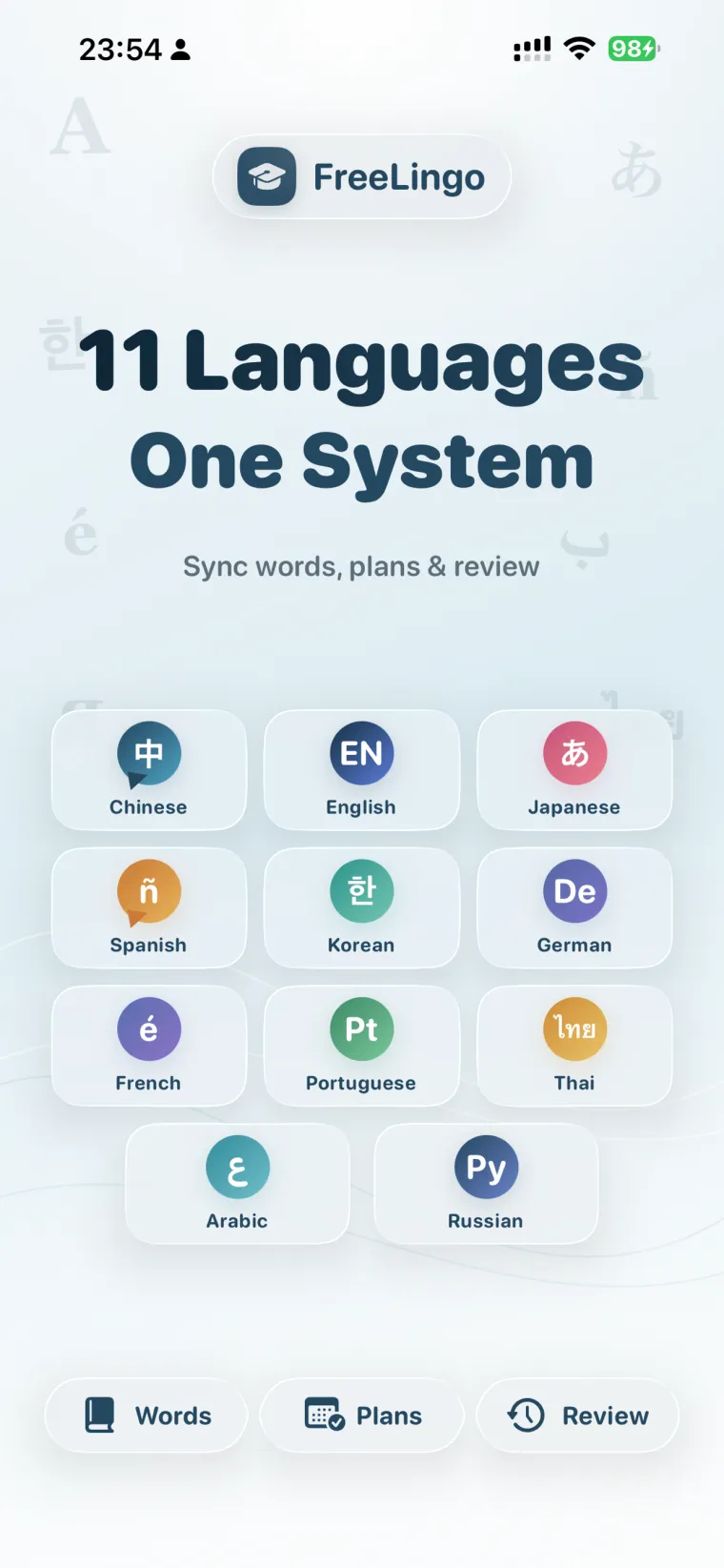
FreeLingo App Store screenshot 1 for en-US

Why Arabic vocabulary needs more than a word list

Arabic vocabulary needs script support, transliteration, sound, examples, and repeated review. FreeLingo keeps Arabic words inside plans so each word has a next action.

Another problem is timing. Learners often study many Arabic words once, then return after memory has already faded. Without a tool that tracks review checkpoints, overdue words, and weak words, review becomes guesswork.

How FreeLingo helps

FreeLingo turns Arabic vocabulary into a learning plan. You can start with ready-made word books or import your own materials, preview the words, remove duplicates, and create a plan that keeps moving.

After study, FreeLingo schedules review sessions at spaced intervals and lets you review with flashcards, listening mode, tests, AI word cards, and AI conversation practice.

Core features

What you can do in FreeLingo

Arabic vocabulary plans

Create focused Arabic plans from word books, pasted text, files, OCR images, or voice materials.

Spaced repetition schedule

Review at 30 minutes, 12 hours, 1 day, 2 days, 4 days, 7 days, 15 days, and 30 days after study.

AI word cards

Use AI-generated details to connect Arabic words with pronunciation, examples, collocations, and usage notes.

Listening and mobile review

Listen hands-free, review on the lock screen, and keep weak words returning until they become stable.

Best for

Who this page is for

Study path

A practical way to start

  1. 01

    Start with a small Arabic plan

    Begin with 30 to 80 words from one source. A small plan is easier to complete and gives the review schedule enough signal.

  2. 02

    Review sound, meaning, and examples together

    Do not only look at a translation. Listen, read an example, and use a test or AI card when a word feels weak.

  3. 03

    Import real materials

    When you meet useful words in classes, videos, reading, or screenshots, add them to FreeLingo so they enter the review cycle.

Related pages

FAQ

Frequently asked questions

Can FreeLingo help me learn Arabic vocabulary?

Yes. FreeLingo supports Arabic vocabulary plans, flashcards, listening review, AI word cards, and spaced repetition.

Can I import my own word lists?

Yes. You can import text, files, OCR images, or voice materials, preview vocabulary, remove duplicates, and create a study plan.

How is this different from a normal flashcard app?

FreeLingo connects word books, imported materials, review timing, AI cards, listening mode, and lock screen practice in one learning system.

Download FreeLingo

Start a Arabic vocabulary plan in FreeLingo

Turn Arabic words from books, notes, or real materials into a plan that keeps returning for review.

Download on the App Store