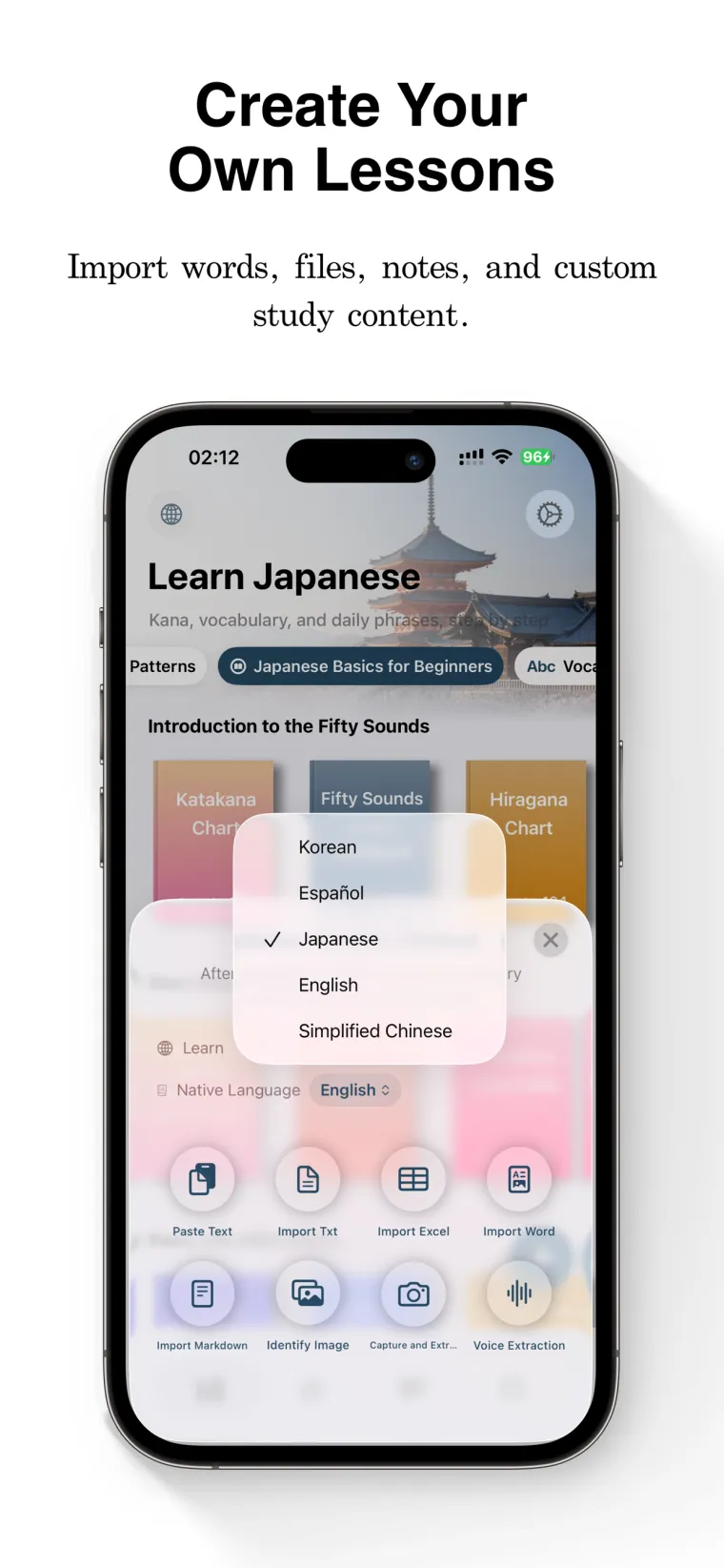
01
Add material
Start from word books, notes, screenshots, pasted text, files, OCR, or voice input.
 FreeLingo
iOS · 11 languages · Spaced repetition
FreeLingo turns your word books, notes, and screenshots into a daily review plan that brings each word back right before you would forget it.
 Free to start1,300+ word booksImport your own materials8-step review scheduleiCloud sync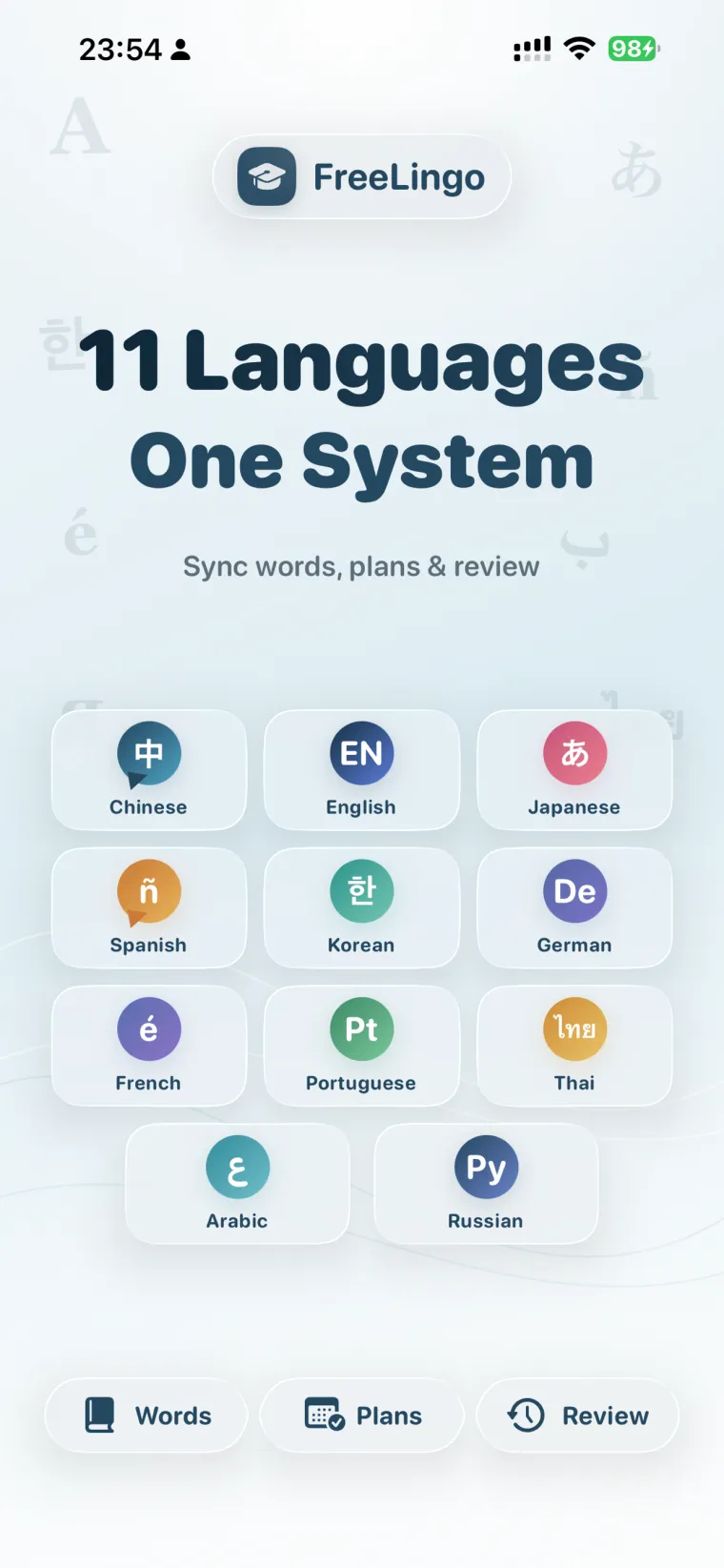
The memory gap
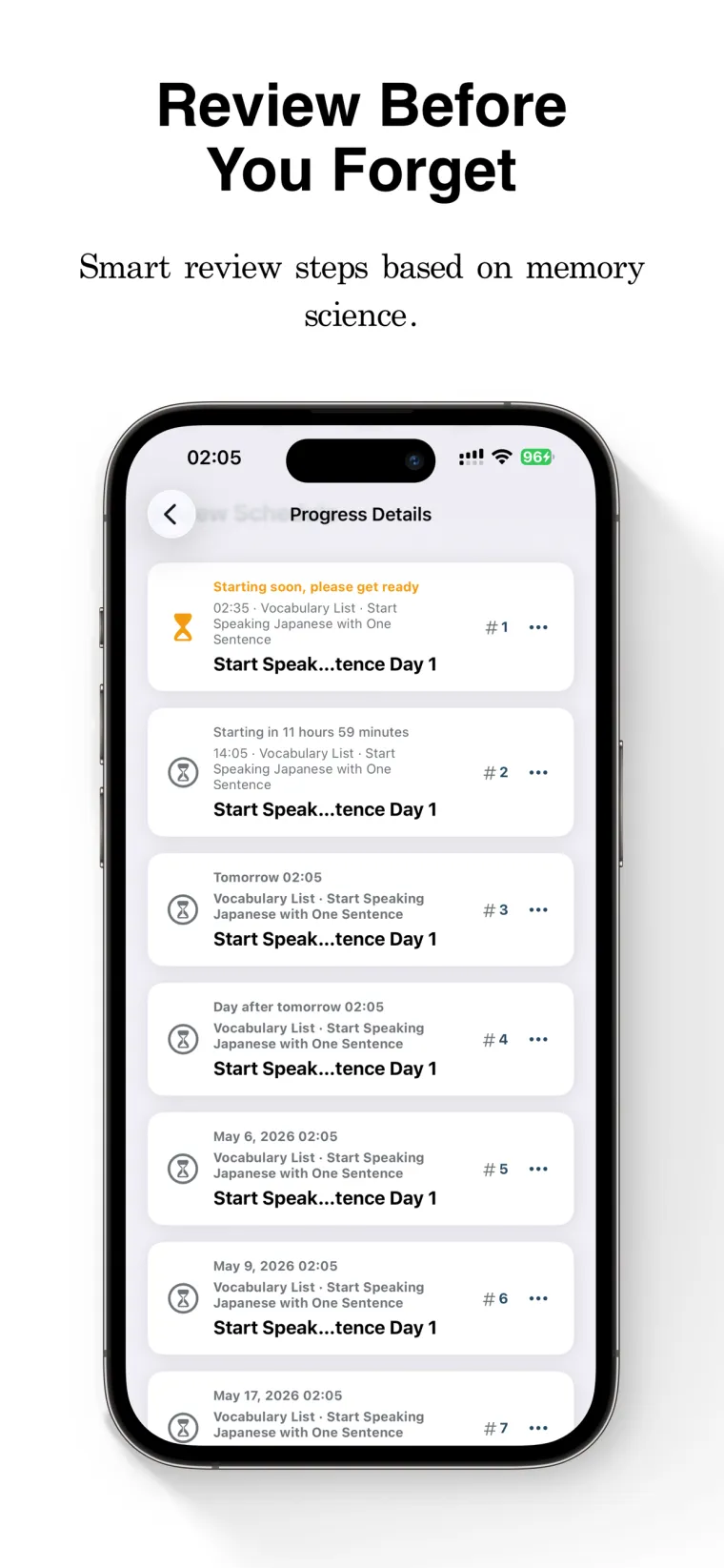
Most new words fade within days if they never come back. FreeLingo schedules each word to return at the eight moments your memory needs it — from 30 minutes to 30 days — and adjusts for overdue reviews and error rate.
Product flow
Add materials, let FreeLingo shape them into a plan, then open the app and know exactly what to review next.
Start from word books, notes, screenshots, pasted text, files, OCR, or voice input.
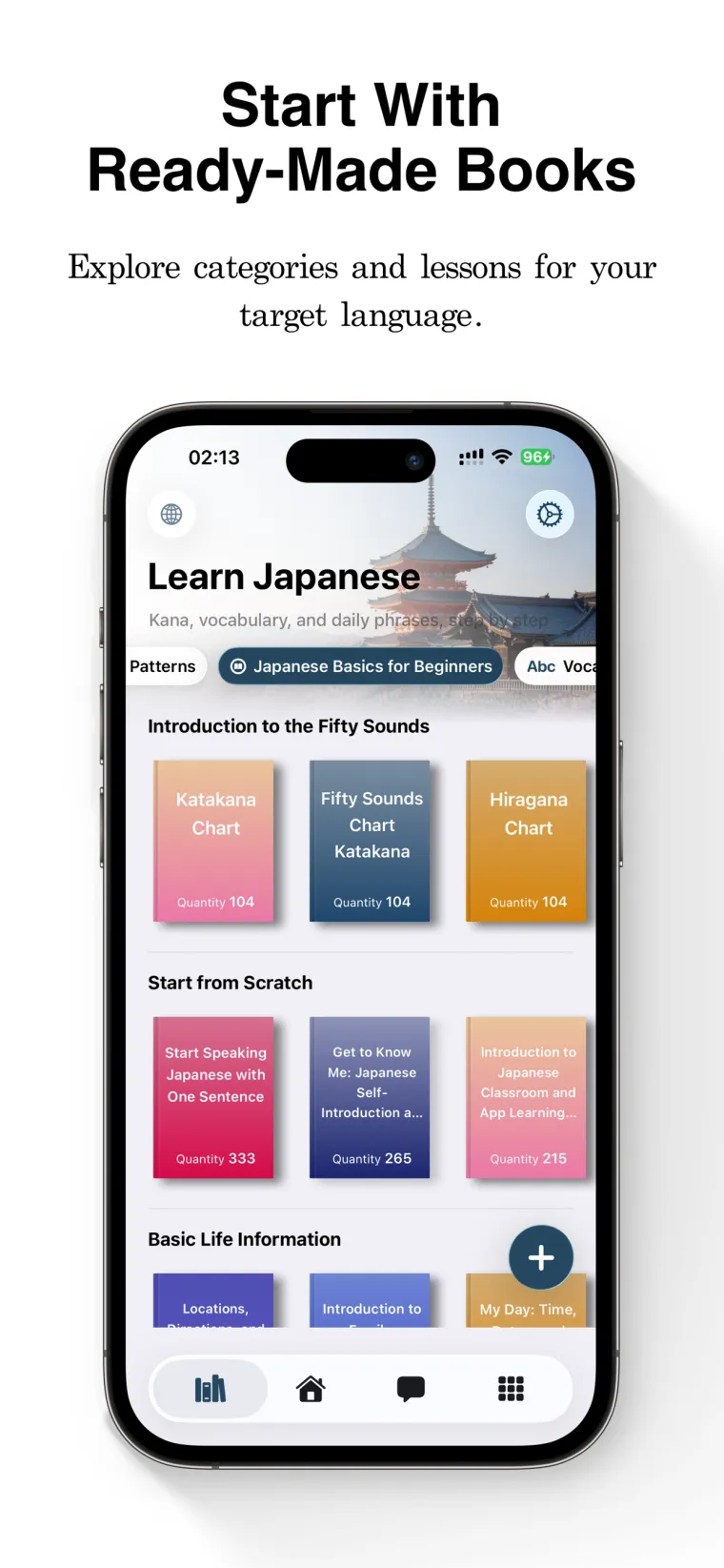
Preview vocabulary, filter duplicates, and keep only the words that should enter your review cycle.
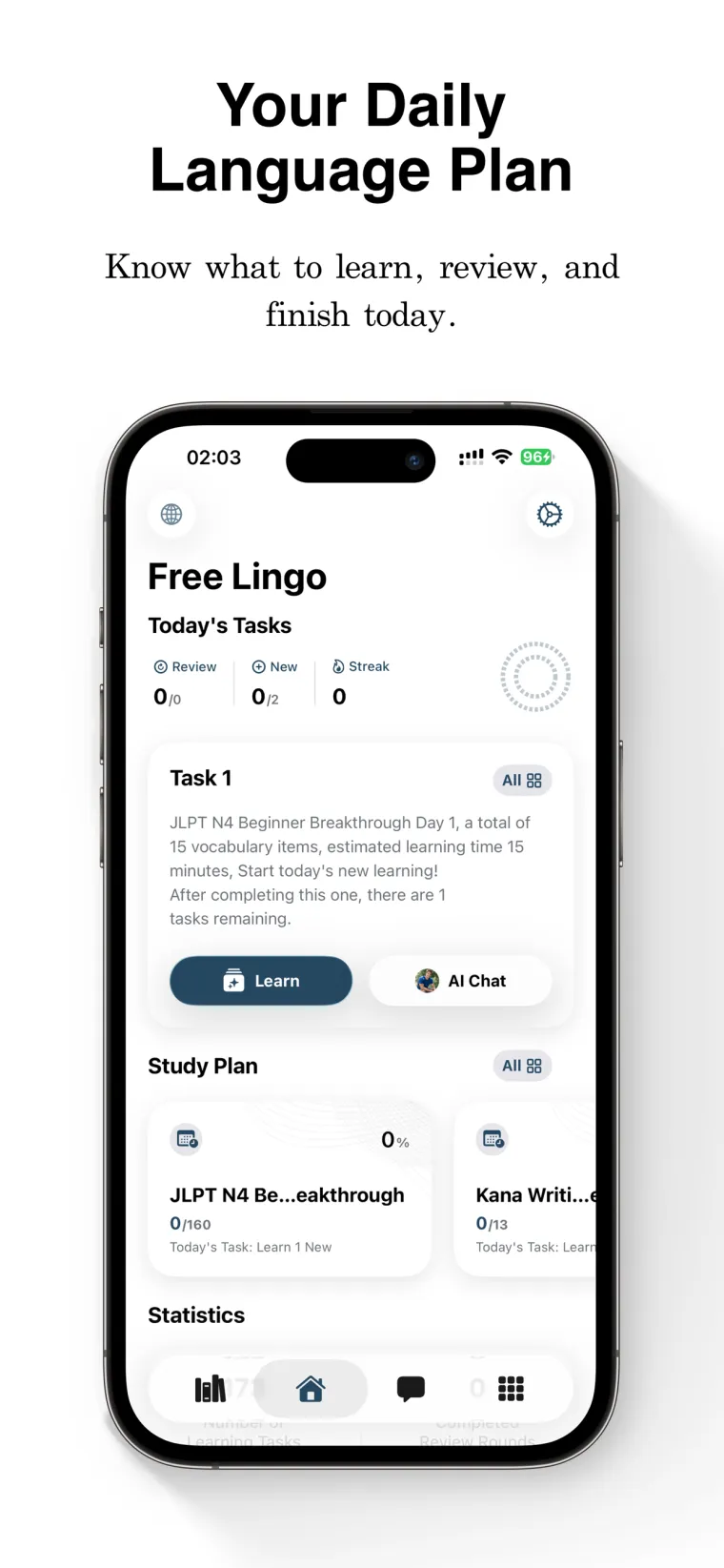
The home screen tells you what to learn, review, or finish today so the next step stays clear.
AI
AI is not a side chatbot. It runs through word cards, conversation practice, and personalized review cards built from the words you are actually studying.
AI Word Cards
For 9 languages, FreeLingo goes beyond a basic translation. Each card surfaces the details that actually help you remember — phonetics, collocations, word forms, example sentences, and language-specific notes.
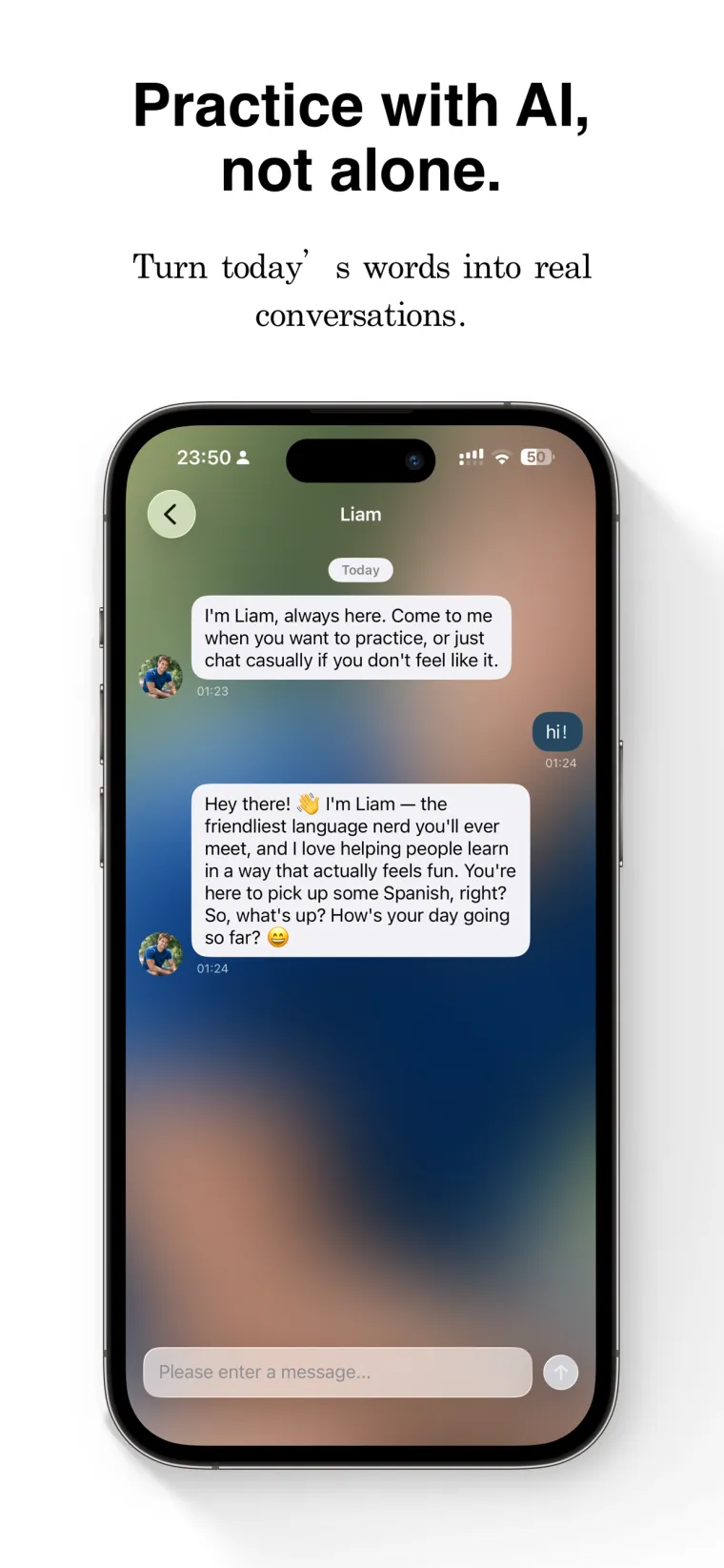
AI Conversation
FreeLingo's AI chat isn't a separate tool bolted on the side. It knows today's vocabulary, your due reviews, and your recent mistakes — and turns that into focused conversation practice.
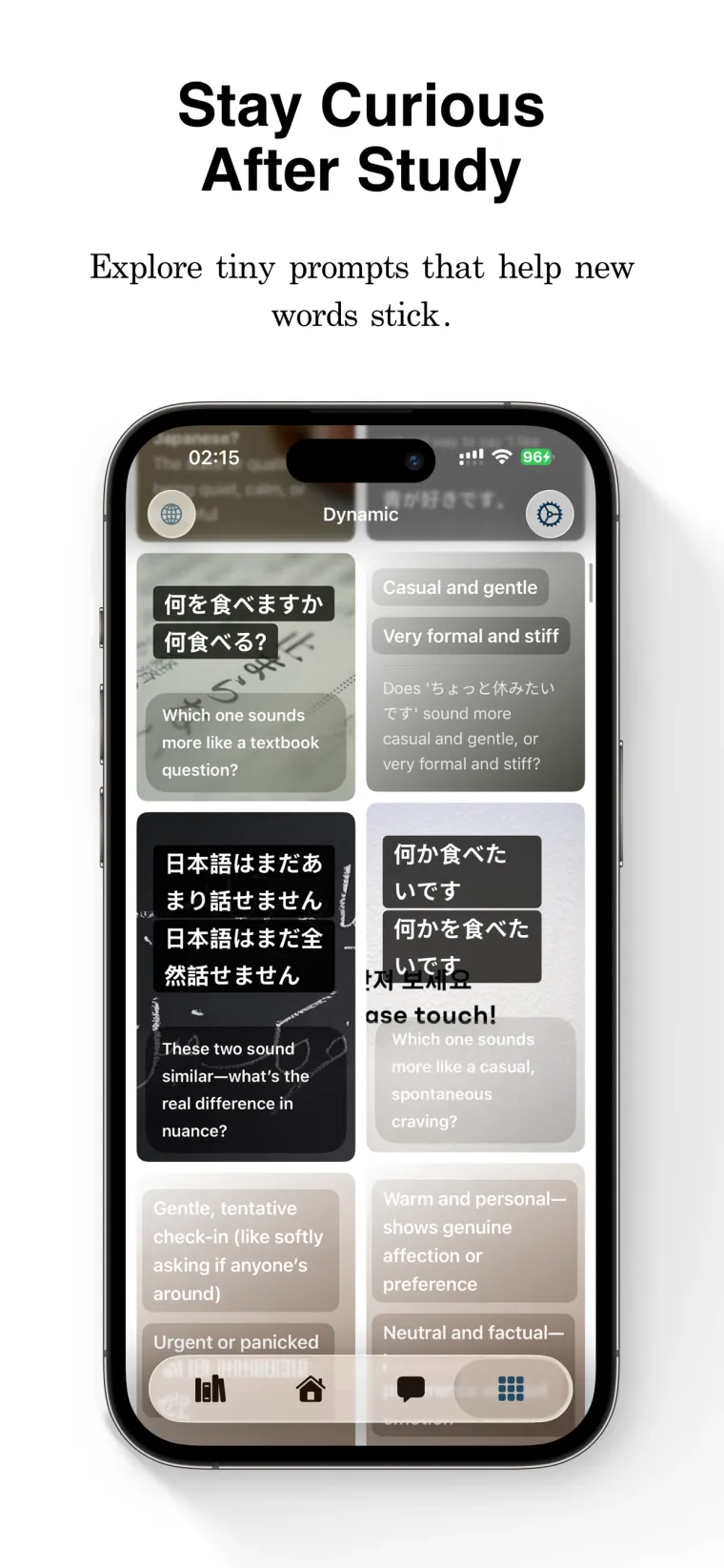
AI Feed
The Feed generates personalized cards from words you have already learned, using six different AI lenses to help you see each word from a new angle.
Resource Library
Browse by language, level, or topic. Every book is ready to add to your study plan — no setup needed.
Or import your own materials — FreeLingo turns them into review plans:
Learning paths
Pick a language, review method, or material source. FreeLingo turns real study material into a plan you can keep reviewing.
Chinese flashcards with pinyin, tones, HSK-style lists, and spaced repetition.
Learning pathJLPT N5–N1 word books, furigana readings, pitch accent hints, and spaced repetition.
Learning pathTOPIK word books, sound-change listening practice, and confusable-word drills.
Learning pathGerman nouns with gender, articles, plurals, and collocations built into review.
Learning pathDELE and SIELE word books, collocation-rich cards, and listening review.
Learning pathTurn text, files, OCR images, screenshots, and voice materials into vocabulary plans with FreeLingo.
Pricing
Start with the free plan. Upgrade to VIP for unlimited plans, full review rounds, deeper AI, and advanced learning analytics.
Start building your vocabulary system.
Unlimited plans, deeper AI, and no limits.
Buy once. All VIP features. Forever.
FAQ
FreeLingo supports 11 target learning languages: English, Chinese, Japanese, Spanish, Korean, German, French, Portuguese, Thai, Arabic, and Russian. Several languages include AI-powered word cards with pronunciation, examples, collocations, and language-specific notes.
After you study a plan, FreeLingo schedules review sessions around 30 minutes, 12 hours, 1 day, 2 days, 4 days, 7 days, 15 days, and 30 days later. The app also considers overdue reviews, error rate, and review performance so you know what to study today.
AI helps generate richer word cards, practice prompts, conversation practice, and personalized review content from the words you are studying. AI content supports learning and should not replace dictionaries, textbooks, or official exam standards.
No separate account is required. FreeLingo uses a device-based identity and can sync core learning data through iCloud, so you can download the app and start building vocabulary plans quickly.
Yes. FreeLingo supports pasted text, TXT, CSV, Word, Markdown, OCR images, camera scans, and voice materials. After import, you can preview the vocabulary, filter basic words, remove duplicates, and create or extend a learning plan.
FreeLingo is free to start, with one active learning plan and core review features. VIP unlocks more plans, full review rounds, higher AI limits, and advanced features. Current pricing is shown in the App Store.
Previously studied content can be reviewed offline with flashcards, listening review, and progress tracking. AI conversation, resource exploration, and some AI word-card features require a network connection.
FreeLingo focuses on learning plans, imported materials, and spaced repetition. Instead of only storing word lists, it connects word books, custom materials, AI word cards, listening review, lock screen practice, and Ebbinghaus-style review checkpoints.
Start today
Download FreeLingo and turn today's real materials into tomorrow's review plan.
 Scan to install freelingo.ai/app