

Import materials

Import text into a vocabulary plan

The most useful vocabulary often comes from real materials: course notes, articles, videos, screenshots, and lists shared by teachers.

FreeLingo helps you extract those words, preview them, remove duplicates, and turn them into a spaced repetition plan.

import text to vocabulary appmake vocabulary plan from textAI vocabulary import
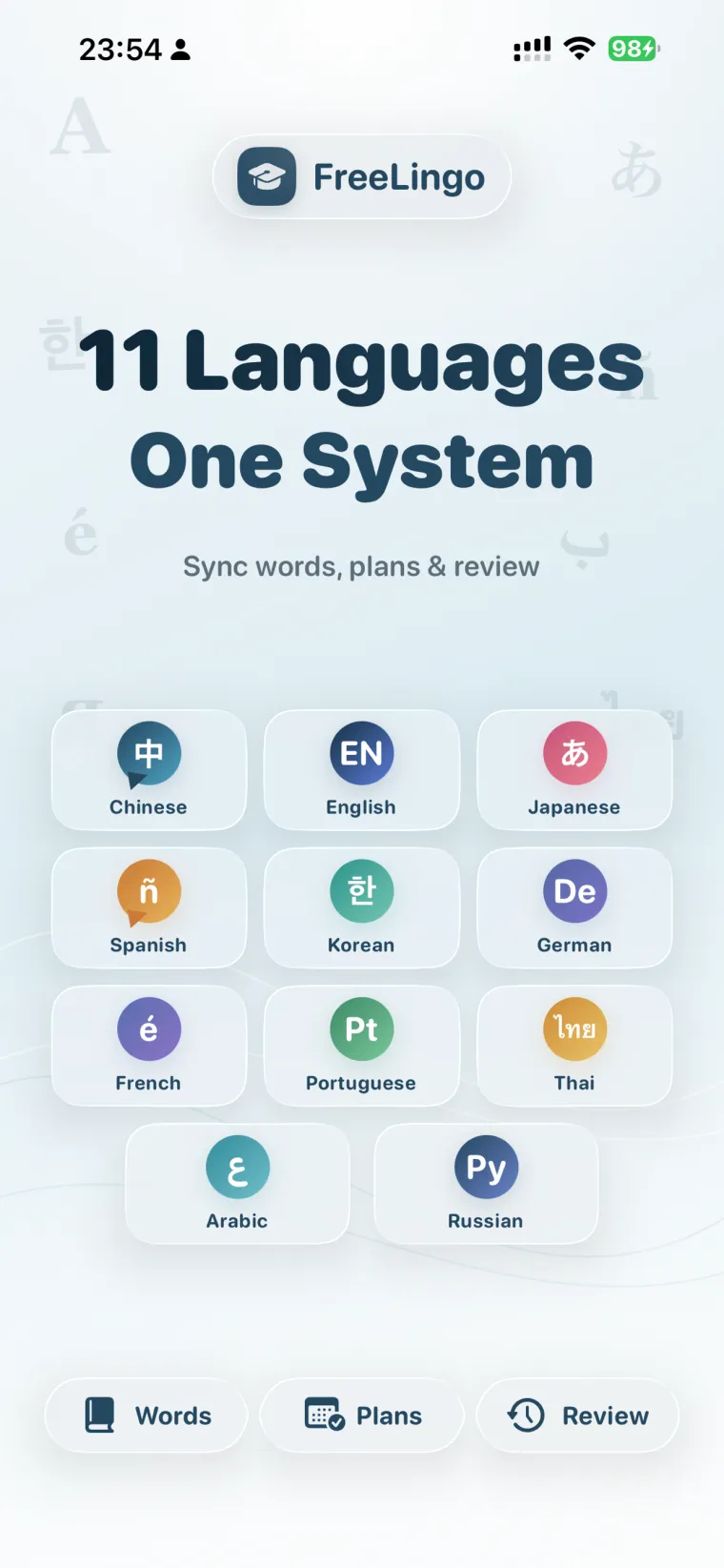
FreeLingo App Store screenshot 1 for en-US

Why saved materials do not become memory

Many learners save articles, screenshots, and class files, but the useful words stay trapped inside those materials. A folder of resources is not a review plan.

If imported words do not return at the right time, they are easy to forget even when the original material was valuable.

How FreeLingo helps

FreeLingo supports pasted text, TXT, CSV, Word, Markdown, OCR images, camera scans, and voice materials. You can preview the vocabulary before creating a plan.

Once saved, imported words use the same review system as built-in word books: flashcards, listening review, tests, AI word cards, and spaced repetition.

Core features

What you can do in FreeLingo

Text and file import

Create vocabulary plans from pasted text, TXT, CSV, Word, Markdown, screenshots, OCR images, or voice.

Preview and clean

Filter simple words, remove duplicates, and decide whether to create a new plan or append to an existing plan.

Review after import

Every imported word gets review timing instead of staying in a static list.

AI enrichment

Use AI cards to expand words with examples, usage notes, and practice prompts.

Best for

Who this page is for

Study path

A practical way to start

  1. 01

    Import one real material

    Start with one article, lesson, screenshot, or file so the first plan stays focused.

  2. 02

    Preview before saving

    Remove words you already know and keep the plan small enough to review.

  3. 03

    Use listening or AI for weak words

    After import, reinforce words with sound, examples, tests, and AI cards.

Related pages

FAQ

Frequently asked questions

What materials can I import?

FreeLingo supports pasted text, TXT, CSV, Word, Markdown, OCR images, camera scans, and voice materials.

Can I remove duplicates before creating a plan?

Yes. You can preview imported vocabulary, filter simple words, remove duplicates, and then save.

Do imported words use spaced repetition?

Yes. Imported words enter the same review system as built-in word books.

Download FreeLingo

Turn your materials into a FreeLingo plan

Import one real material and let FreeLingo schedule the next review.

Download on the App Store